Documentation
How ComplyHub works
A guide to every part of the product — what it's for, how it fits together, and how to actually use it day to day.
What ComplyHub is
ComplyHub is a multi-tenant governance, risk & compliance (GRC) platform. It tracks every compliance framework your organization has adopted, the individual requirements underneath each one, the controls that satisfy those requirements, and the evidence that proves it — rolled up into a single live readiness score an auditor can act on directly. The idea that ties the whole product together: a control implemented once, and evidence collected once, should count toward every framework that needs it, instead of being re-proven separately for each one.
Getting started
Self-serve sign-up creates your organization and a 7-day trial. You'll be asked to verify your email address before you can sign in — check your inbox for a message from ComplyHub, and use “Resend” on the verification page if it doesn't arrive. Once verified, you'll pick your first framework (you can adopt more later from Frameworks), which seeds its full requirement checklist automatically. A short guided tour then points out where the main areas of the app live; you can skip it or replay it any time from the user menu in the top right.
The dashboard
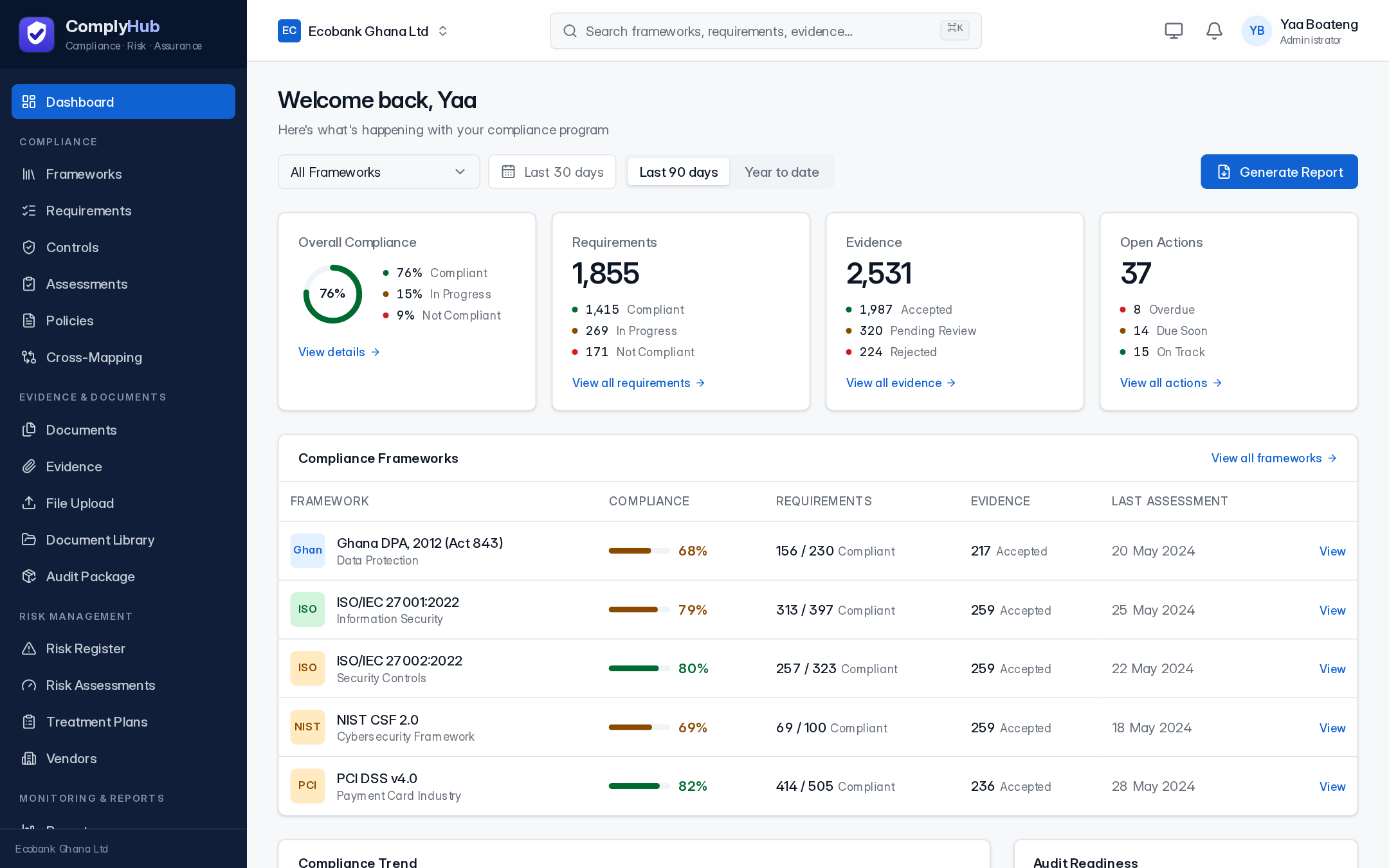
Your home screen: overall compliance percentage across every adopted framework, requirement and evidence status breakdowns, open actions, a compliance trend chart, and an audit-readiness summary (evidence coverage, control testing, open findings, expired evidence). Every number links through to the underlying records — nothing on this page is summary-only.
Frameworks
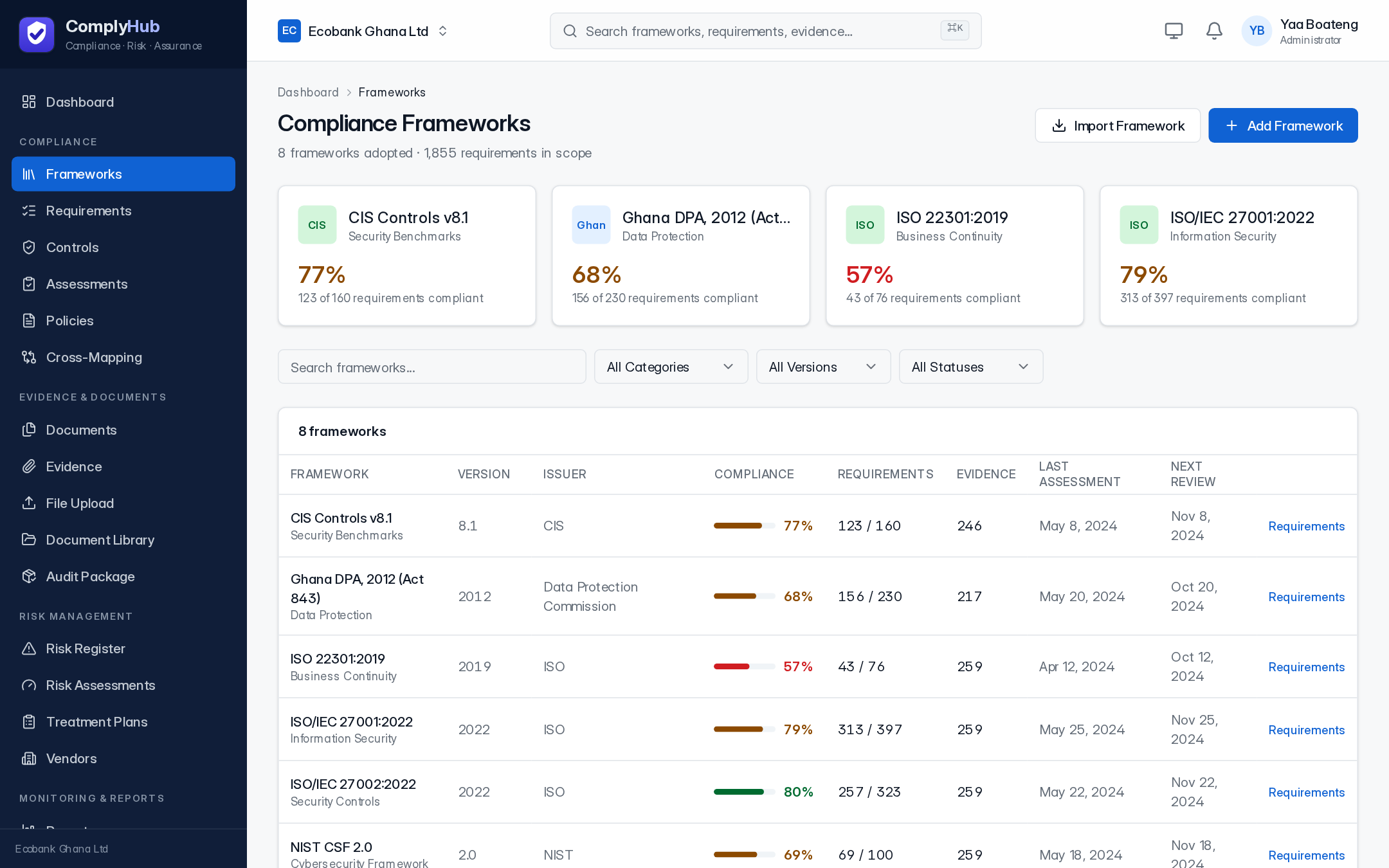
A framework is a compliance standard you're tracking against — ISO/IEC 27001, SOC 2, PCI DSS, NIST CSF, ISO 22301, CIS Controls, ISO/IEC 27002, or Ghana's Data Protection Act. Adopting one seeds its complete requirement checklist. Each framework shows a live compliance percentage, requirement and evidence counts, and the date of its last assessment. You can adopt as many as apply to your organization — that's what Cross-mapping is for.
Requirements
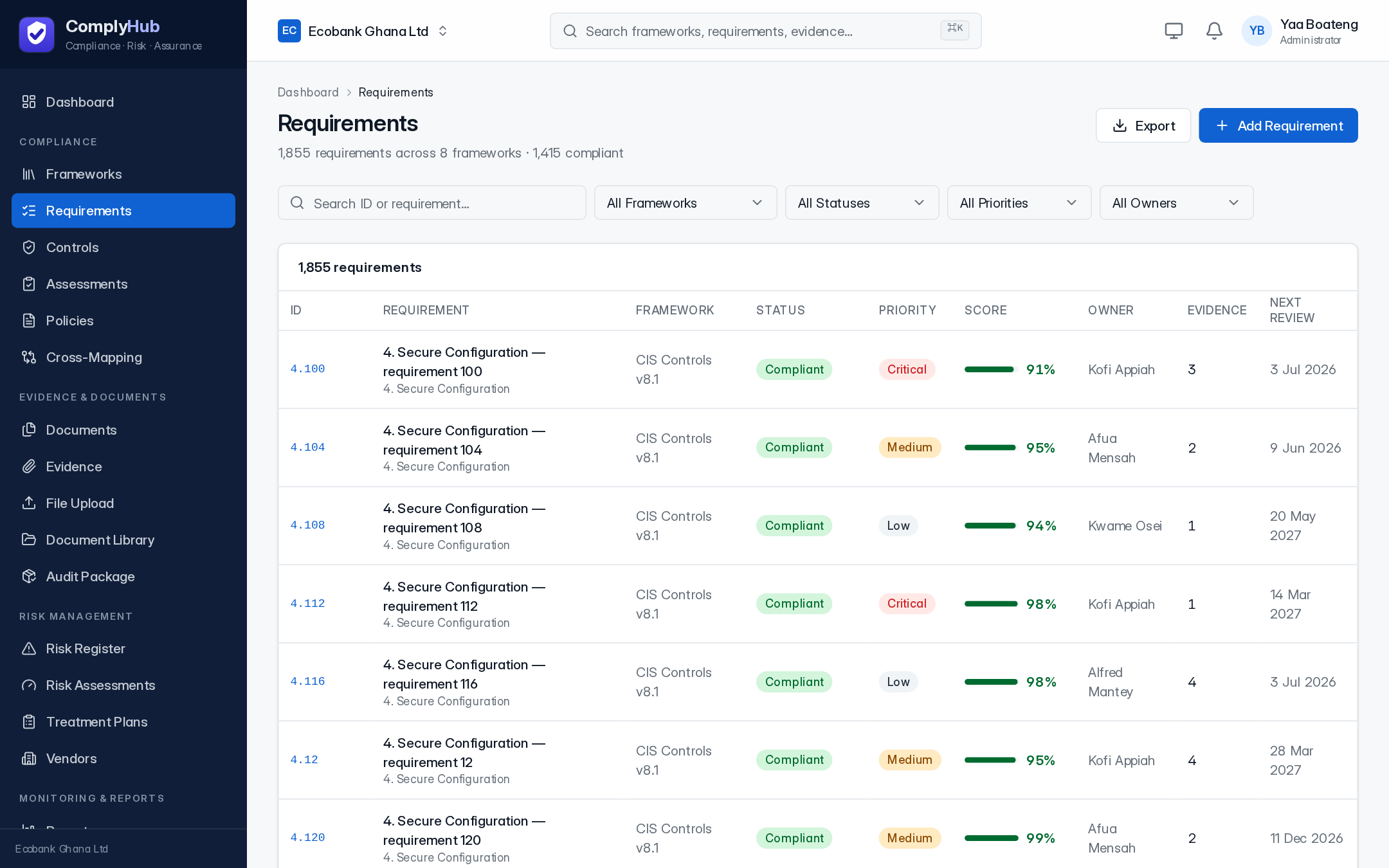
Every framework breaks down into individual requirements — the master checklist. Each one has a status (Compliant, In Progress, Not Compliant, Not Applicable), a priority, an owner, implementation steps, linked controls, and linked evidence. Assign an owner from the requirement detail page so responsibility for closing it is never ambiguous.
Controls
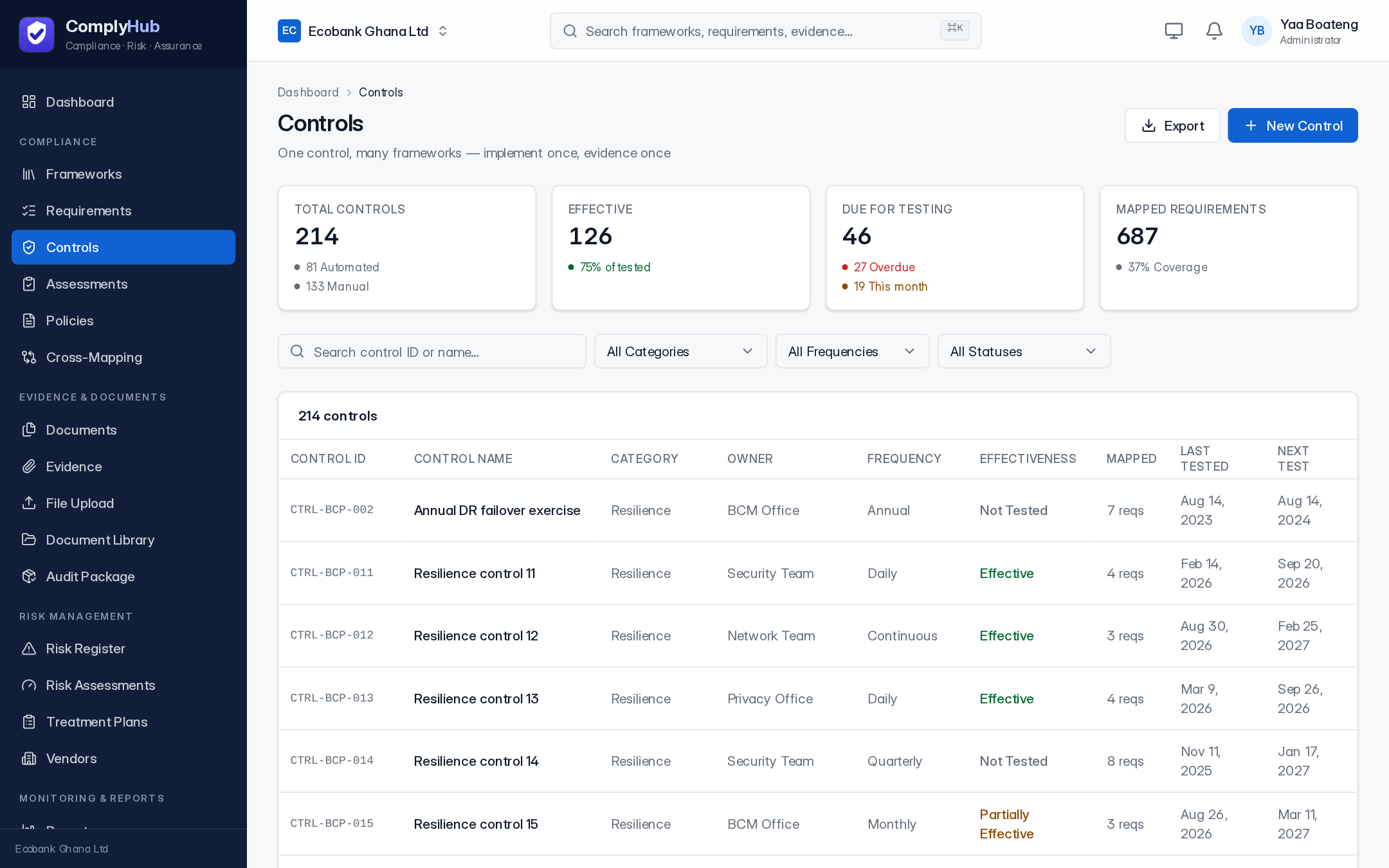
A control is a safeguard — a process or technical measure — that satisfies one or more requirements, potentially across multiple frameworks at once. Each control tracks its effectiveness, testing frequency, and when it was last tested, so you can see at a glance what's overdue for re-testing.
Assessments
An assessment is a time-boxed review cycle against a framework — internal or performed by an external assessor — that produces a score and a list of findings. Findings carry a severity, an owner, and a due date, and stay visible on the Assessments page until resolved.
Policies
Policies move through a real lifecycle: drafted, submitted for review, published, and periodically reviewed again before they expire. Published policies can be linked to the frameworks they support and tracked for staff acknowledgement.
Cross-mapping
Shows where your frameworks overlap — which requirements across different standards are satisfied by the same control or the same piece of evidence. This is where the “implement once, count everywhere” idea becomes visible: a bank running PCI DSS and ISO 27001 together should see real overlap, not two unrelated checklists.
Evidence
Evidence is the proof behind a requirement or control — a screenshot, a report, a policy document, a log export. Each item carries a status (pending review, accepted, rejected), a classification, an expiry date, and the requirement(s) it's mapped to. Evidence can be uploaded manually or collected automatically from a connected integration (see Integrations).
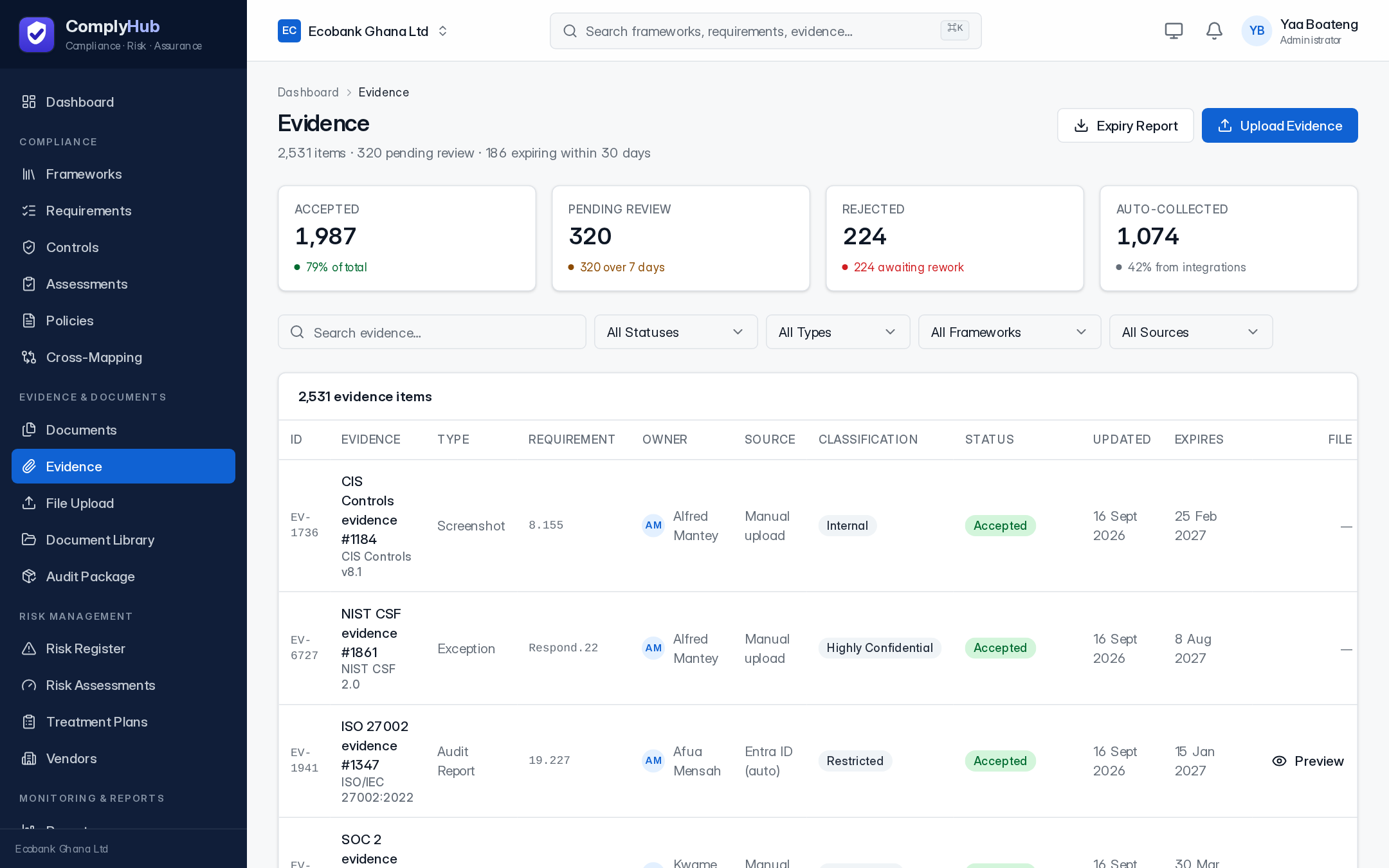
File upload
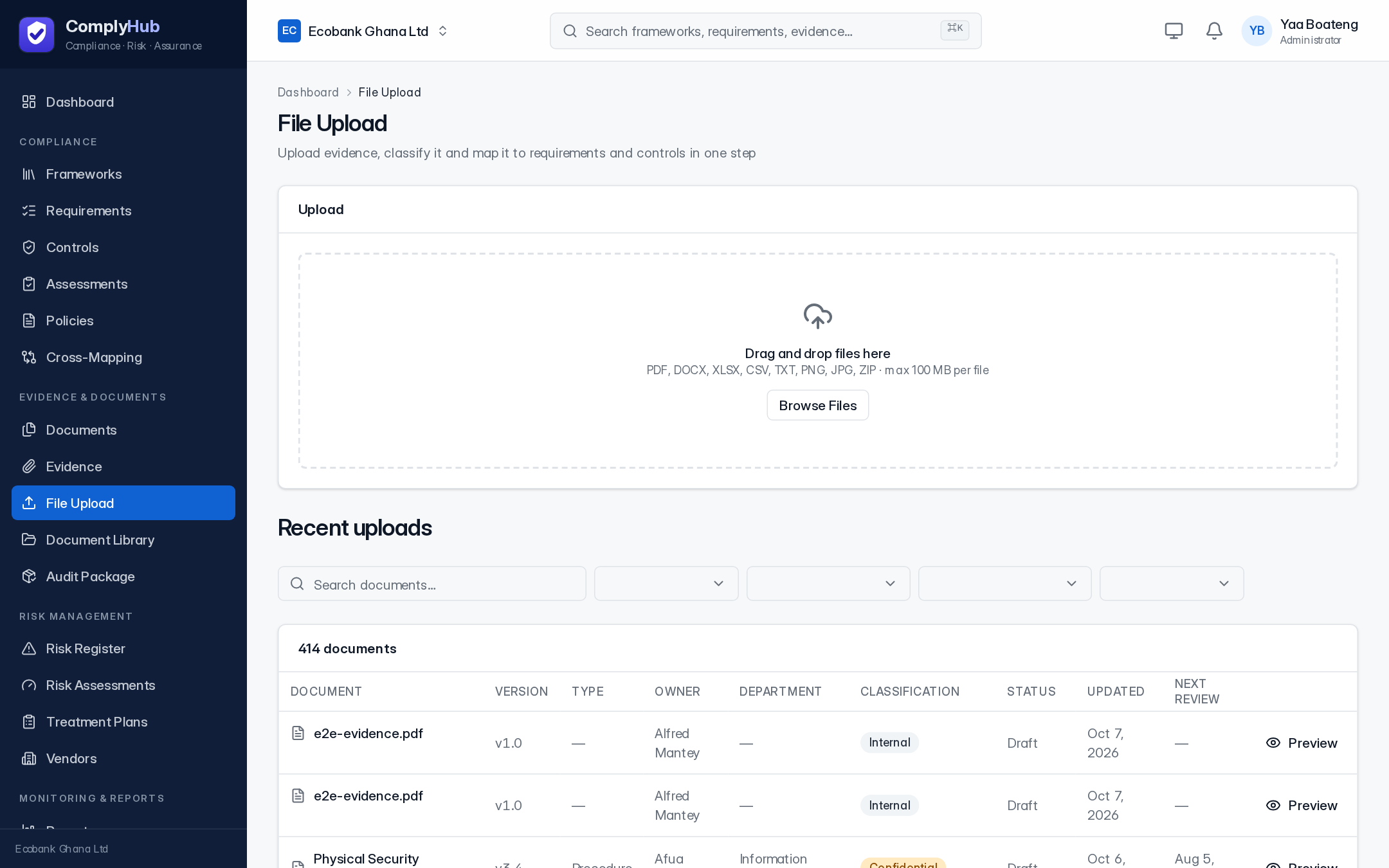
The fastest way to get a file into ComplyHub: drag it in, classify it, and optionally map it to a framework, requirement, and control in one step. Files are scanned for malware and size- and type-checked before they're accepted — the upload panel shows the current limit and accepted types.
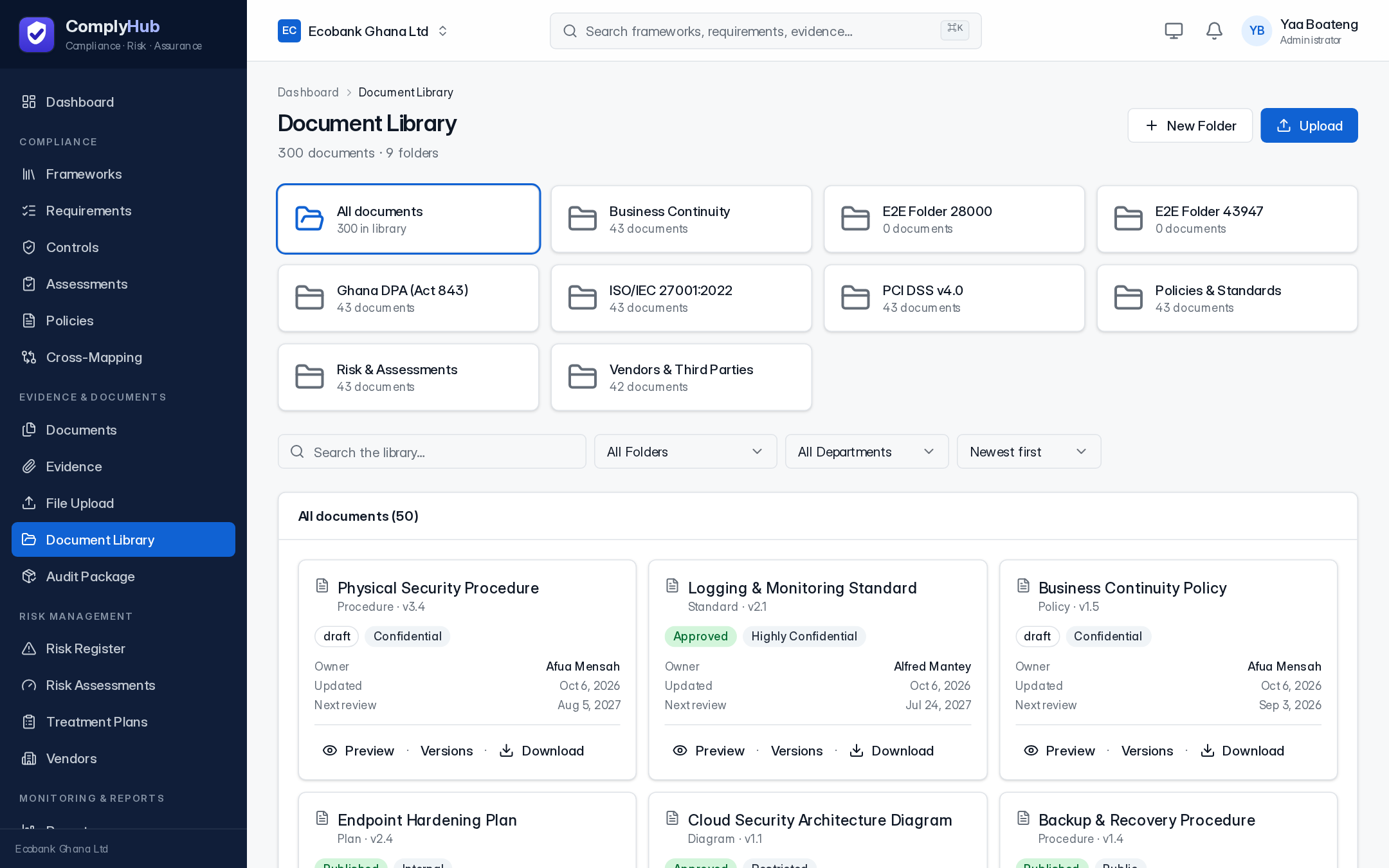
Document library
The organized, browsable home for your documents — folders, departments, version history, and search. Every document can be previewed, downloaded, or replaced with a new version without losing the history of what changed.
Audit package
Bundles requirements, evidence, and supporting documents for a framework into a single package an external auditor can review, generated on demand rather than assembled by hand for every engagement.
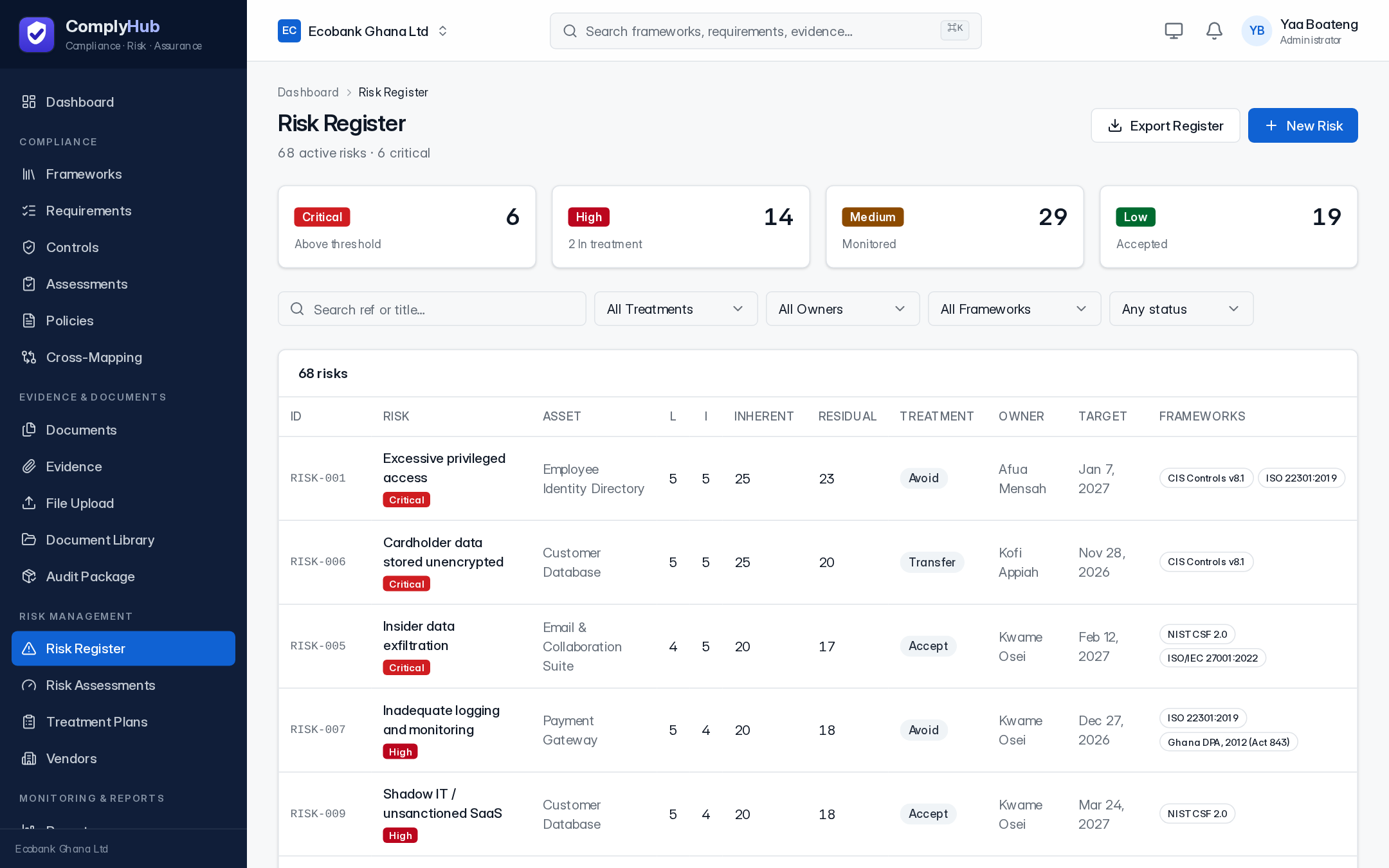
Risk register
The central list of identified risks, each scored by likelihood and impact on a 5×5 matrix, with both an inherent score (before controls) and a residual score (after them). Every risk gets a treatment decision — avoid, mitigate, transfer, or accept — an owner, and the frameworks it relates to.
Risk assessments
Formal, time-boxed reviews of risk across the organization or a specific area, each producing a record of what was assessed, by whom, and the outcome.
Treatment plans
The concrete plan behind a risk's treatment decision — what's being done, who owns it, and by when — so “mitigate” on the risk register is backed by an actual plan, not just a label.
Vendor risk
Tracks third parties alongside your own posture: what data they handle, their risk tier, whether a data processing agreement is in place, their certifications, and when they're next due for reassessment.
Reports
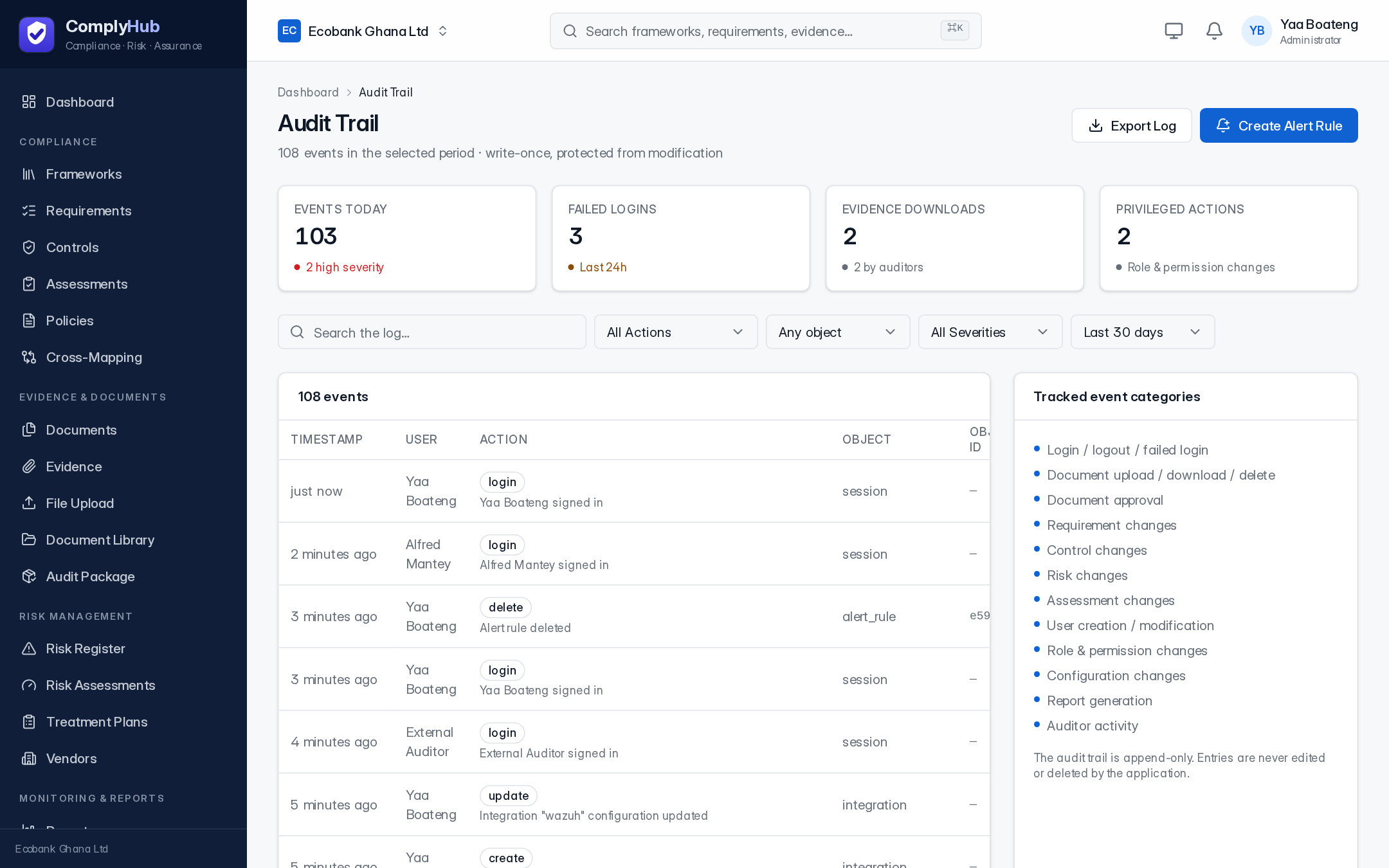
A library of report templates — an executive compliance summary, a full risk register export, framework-by-framework detail, evidence inventory, policy status, and more — generated on demand or on a recurring schedule, as PDF, Excel, or CSV.
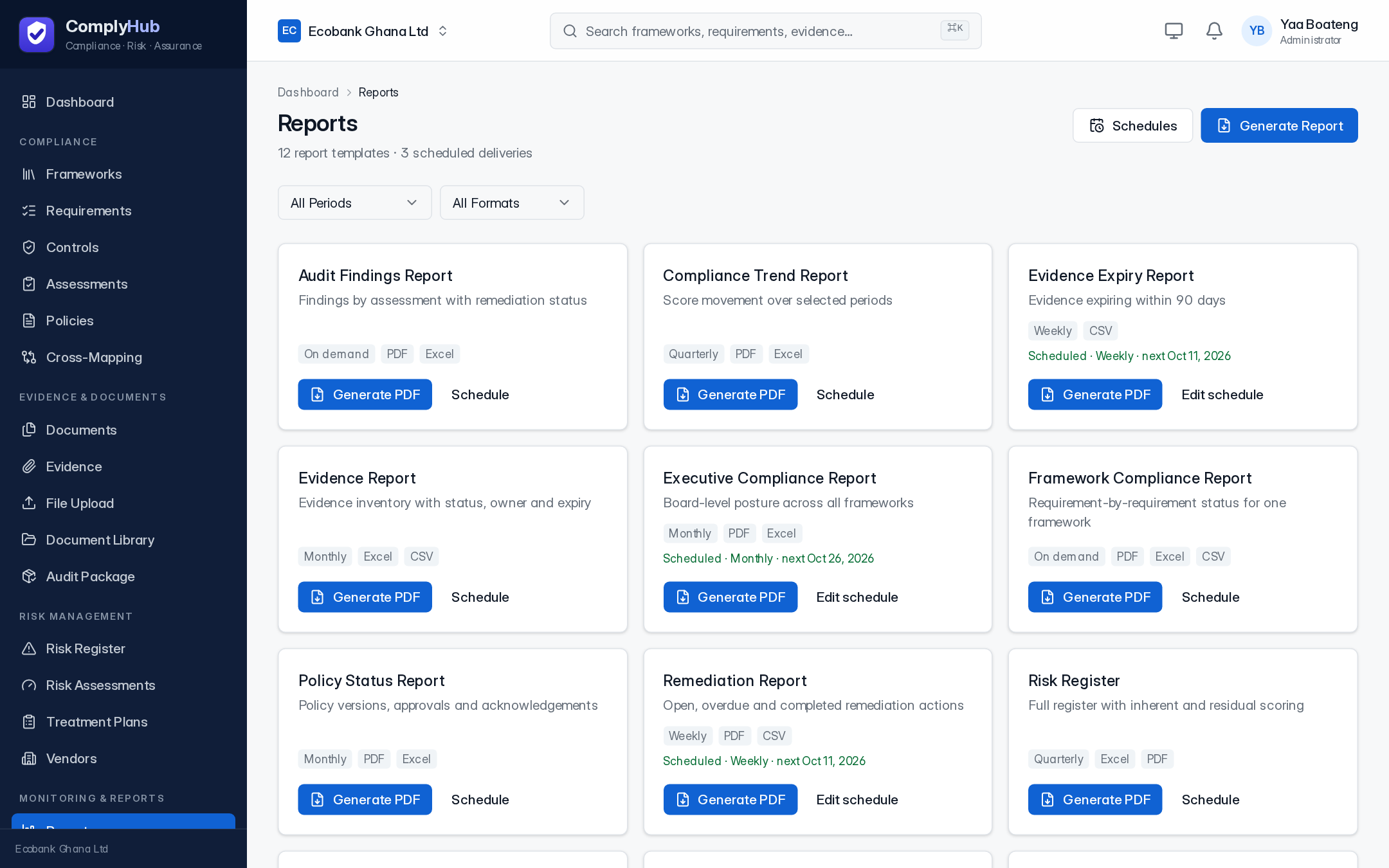
Audit trail
An append-only log of every meaningful action in the system — who did what, when, from where, and whether it succeeded. Entries are never edited or deleted by the application, which is what makes it usable as a real record for an external auditor.
Tasks & actions
Remediation work generated from gaps — an overdue control test, a missing piece of evidence, an open finding — tracked with an owner, priority, and due date until it's closed.
Alerts & notifications
Rule-based alerts (a failed login, a control drifting out of compliance, a threshold breach) that can notify by email or Slack and, where configured, open an incident automatically.
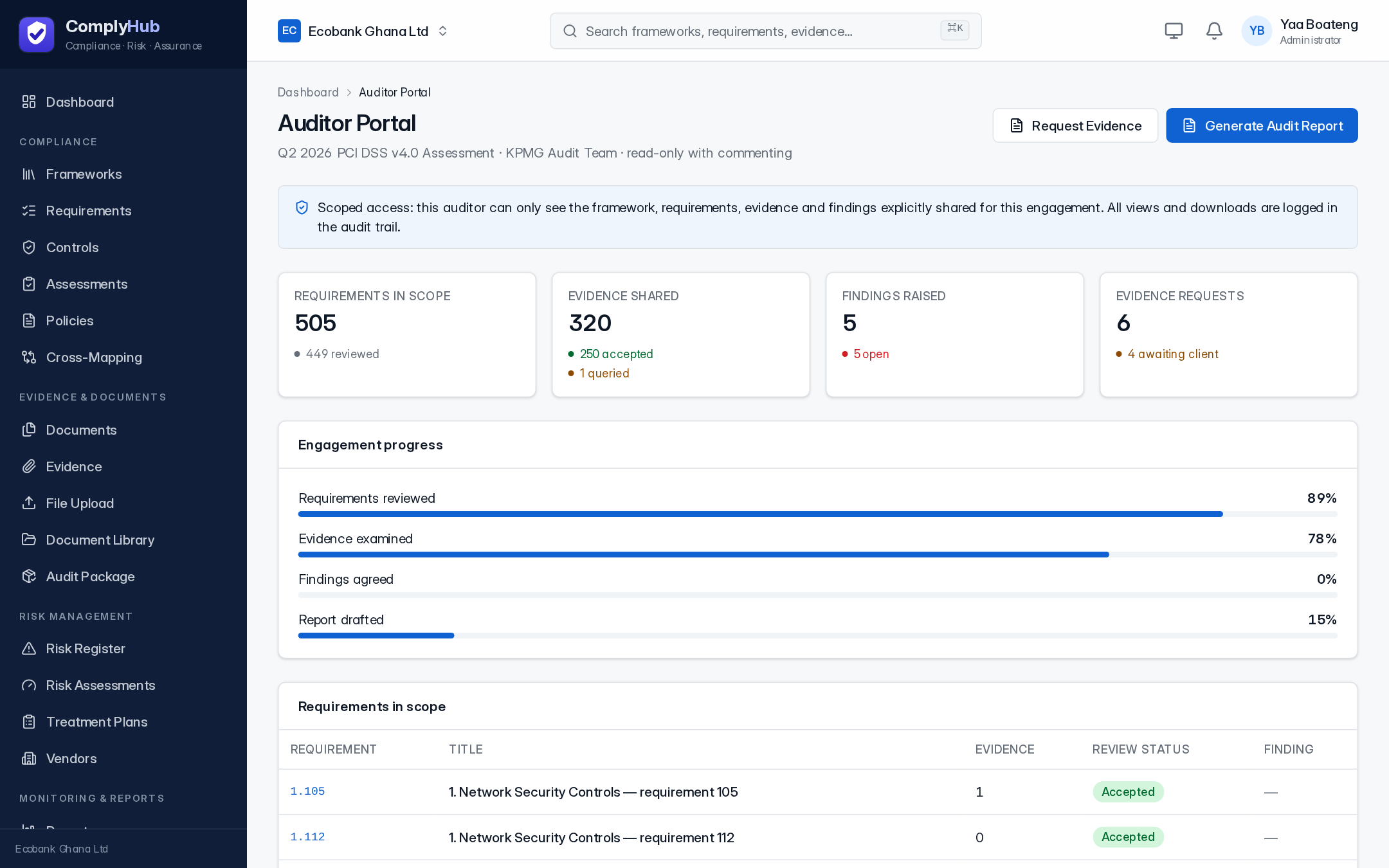
Auditor portal
A dedicated view for giving an external auditor access to a specific engagement — without creating a full internal account for them. They can review requirements, evidence, and findings, request additional evidence, and leave comments, with every view and download logged to the audit trail. This is an area we're actively hardening; treat engagement boundaries as a work in progress rather than a finished guarantee until this note is updated.
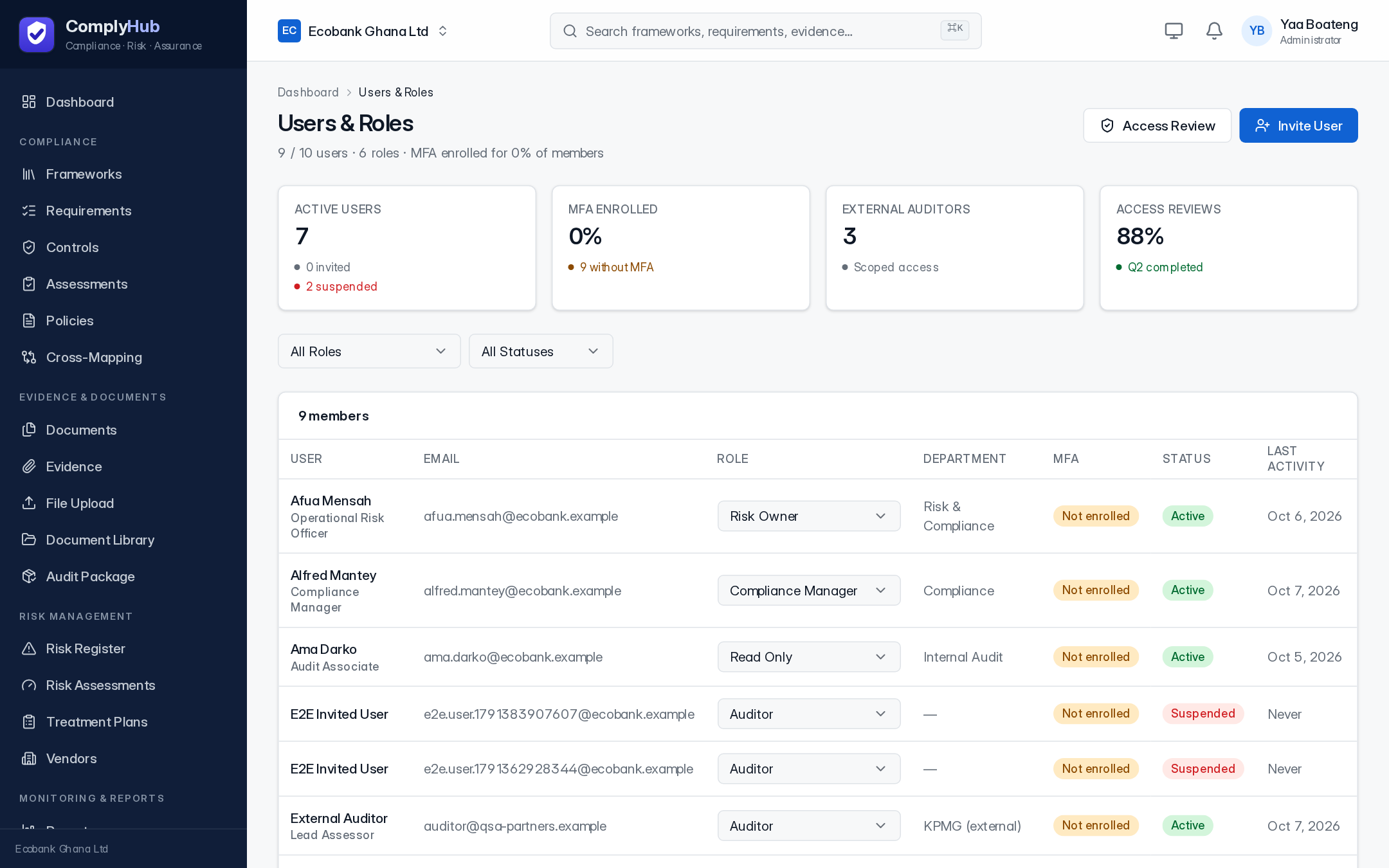
Users, roles & permissions
Access is role-based: each role carries a fixed set of permissions (read/write on specific modules), and every server-side action checks the caller's permissions before it runs — not just the UI. Invite teammates from Users & Roles and assign the role that matches what they should be able to do.
Settings
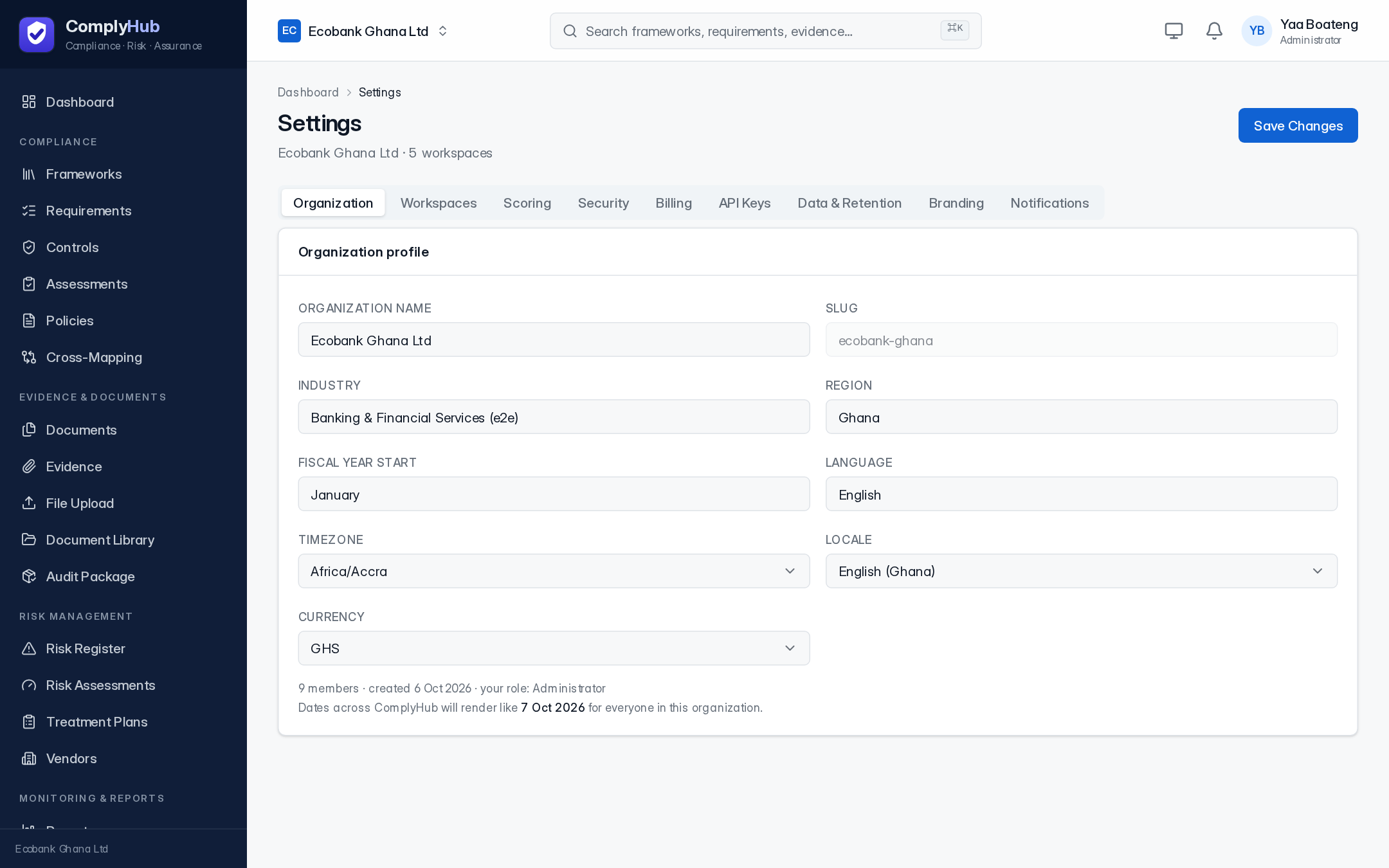
Organization-wide configuration, grouped into tabs: organization profile, workspaces, security policy (including whether MFA is required org-wide), billing and license, API keys, and branding. Each tab saves independently.
Integrations
Connects ComplyHub to the security, identity, and ticketing tools you already run, so evidence (SIEM detections, MFA enrollment state, endpoint status, remediation tickets) is collected automatically instead of exported by hand.
Security model
Every organization's data is isolated at the database level using PostgreSQL row-level security, not just application-layer filtering — a request can only ever see rows belonging to its own organization, enforced by the database itself regardless of which code path runs the query. Passwords are hashed with Argon2id. Two-factor authentication (TOTP) is available on every account and can be made mandatory org-wide from Settings. Every write is recorded to the audit trail.
API access
ComplyHub exposes a REST API (/api/v1) over the same service layer the web app uses, authenticated by API key and scoped to the same permissions as the user who created the key. The full contract is machine-readable and served live, generated directly from the real route definitions so it can't drift from actual behavior — see the OpenAPI specification.